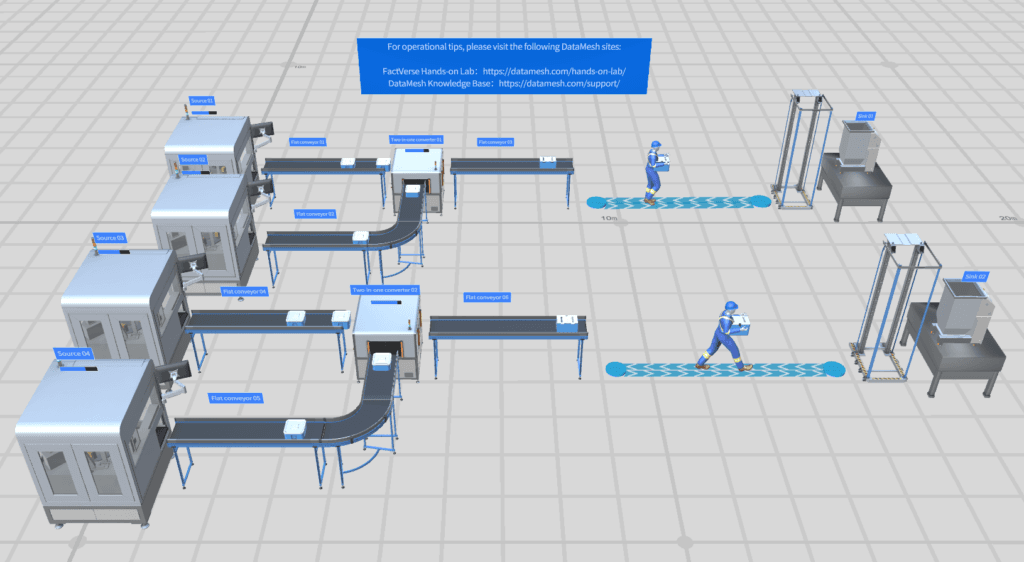
Conception de jumeau numérique de site
Modélisez bâtiments, usines ou campus en jumeaux numériques 3D navigables avec relations d’actifs, plans spatiaux et hiérarchies système.
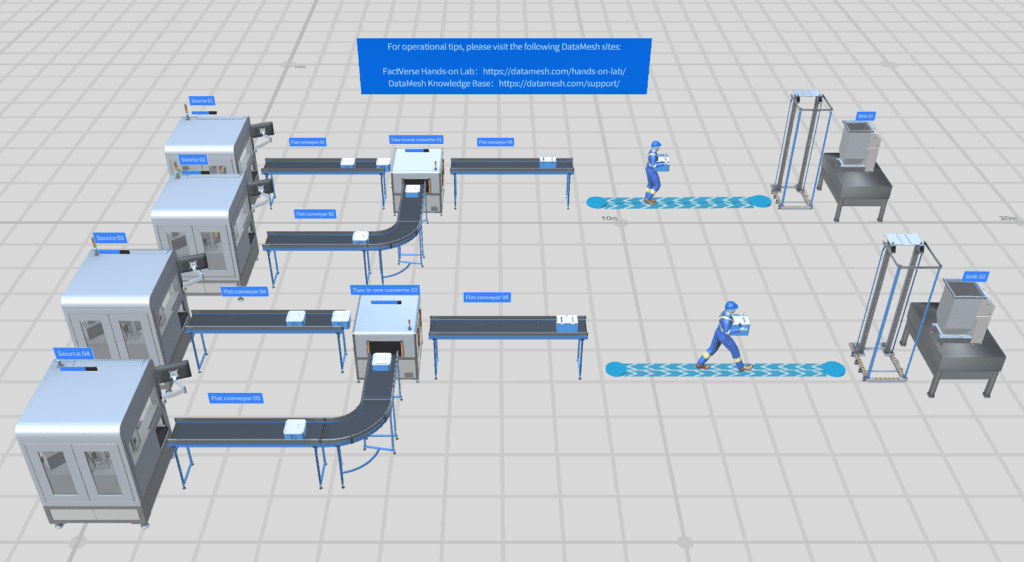
Création et simulation de scènes de jumeau numérique
FactVerse Designer est un outil prêt à l’emploi pour concevoir des scènes de jumeau numérique dans la fabrication, la logistique et le transport. Il transforme les données 3D d’entreprise en environnements opérationnels avec logique comportementale et données temps réel.
Les capacités qui structurent la valeur opérationnelle présentée sur cette page.
Importez des modèles BIM, CAD et 3D puis placez-les dans des scènes opérationnelles de jumeau numérique. Les plans, équipements et environnements se construisent sans code.
Définissez la logique opérationnelle avec un éditeur visuel : conditions, actions, séquences, états d’équipement et routines de maintenance.
Connectez les scènes aux données live via Data Fusion Services et liez capteurs, métriques de production et signaux IoT aux objets 3D.
Exécutez des simulations de bout en bout, observez les flux logiques et ajustez les transitions avant le déploiement.
Utilisez effets visuels, animations, éclairage et outils caméra pour créer des scènes réalistes pour formation, démonstration et supervision.
Créez sur Windows ou macOS. Les scènes publiées sont utilisées dans Inspector, DataMesh One et les dashboards Web.
Applications concrètes et scénarios éprouvés dans différents secteurs.
Modélisez bâtiments, usines ou campus en jumeaux numériques 3D navigables avec relations d’actifs, plans spatiaux et hiérarchies système.
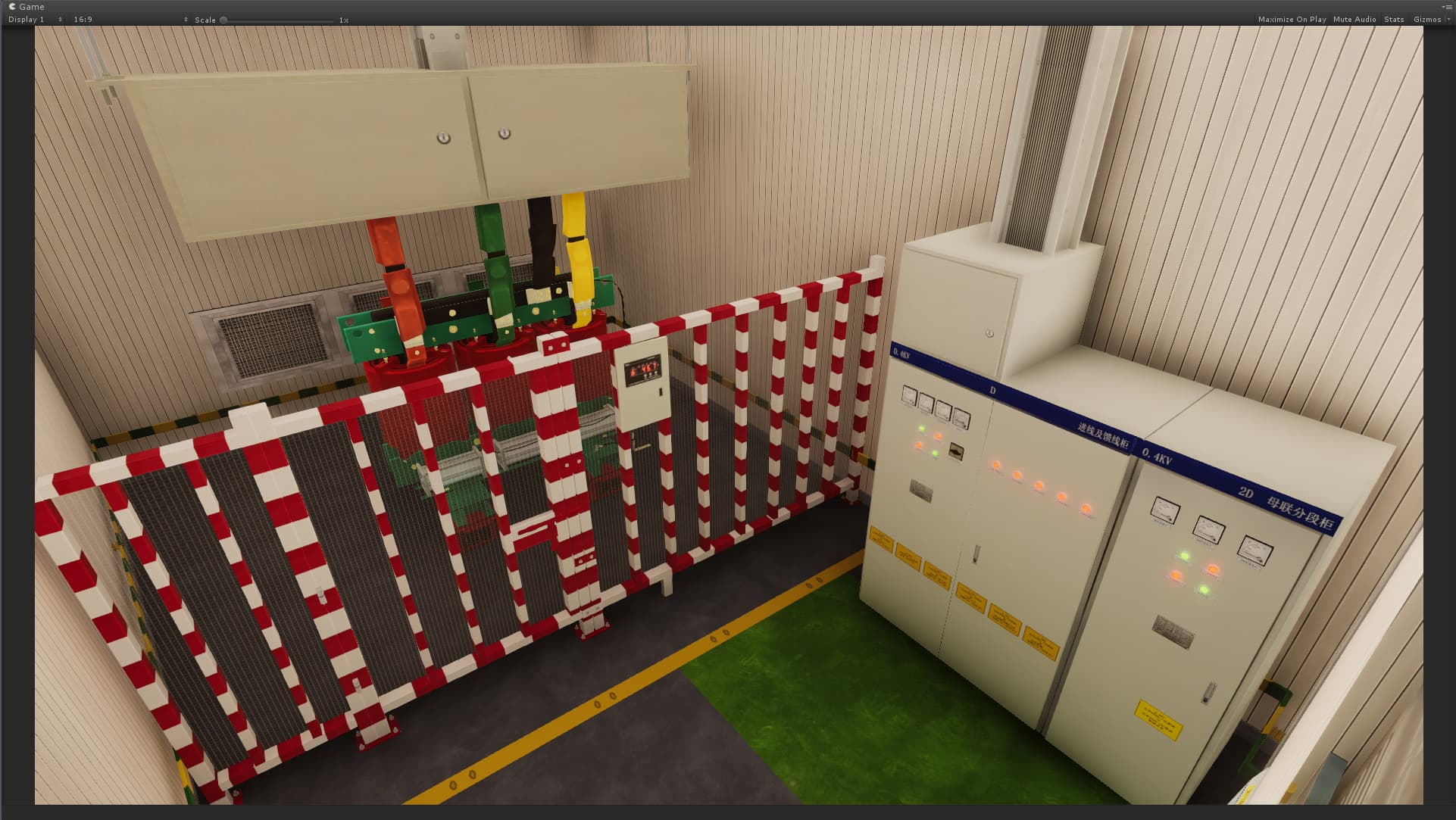
Construisez des scénarios de formation pas à pas avec arbres de comportement pour guider les apprenants dans l’exploitation, la sécurité et la maintenance.
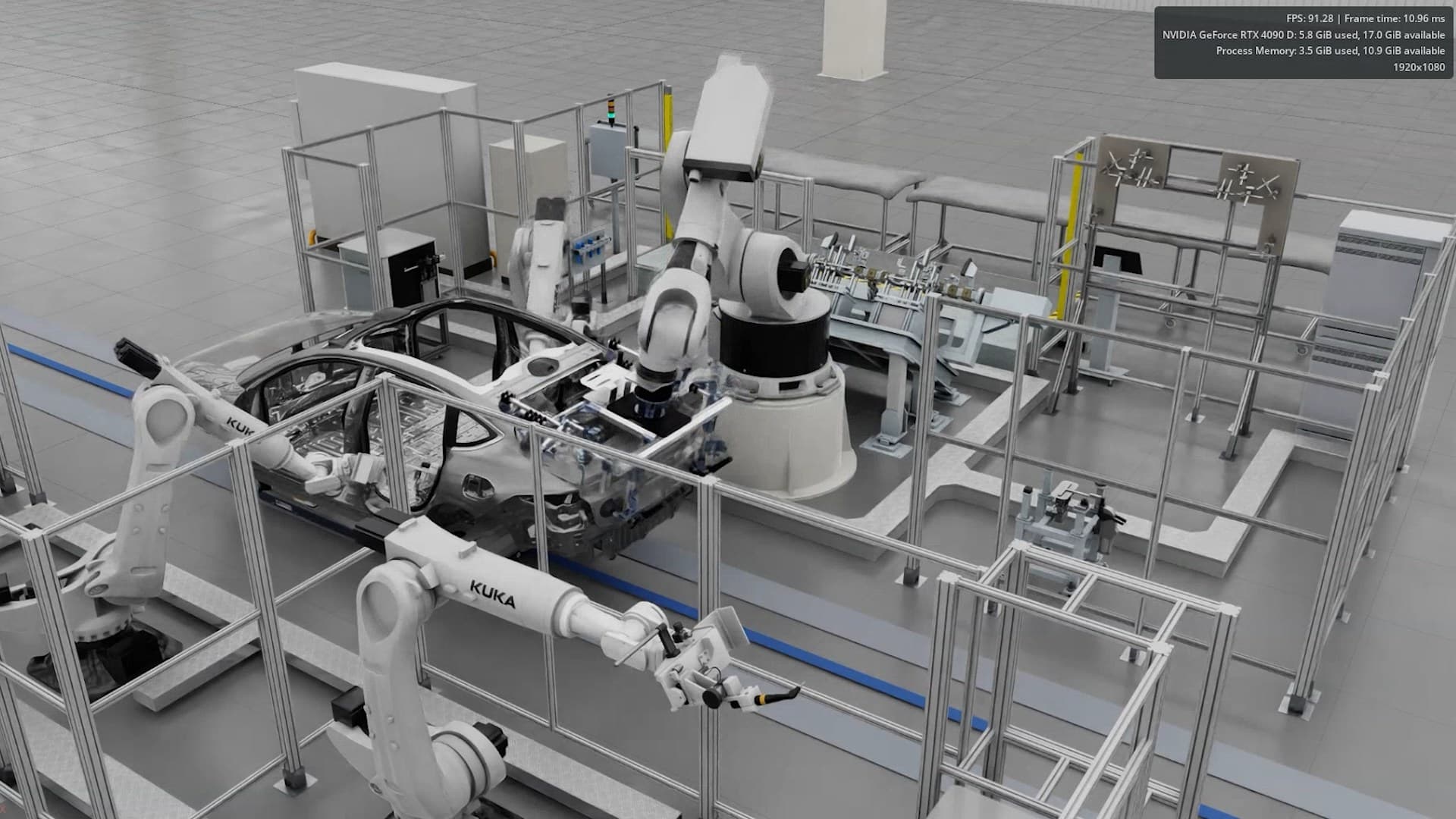
Simulez lignes de production, flux logistiques et opérations de site afin de tester layouts, workflows et plannings avant le réel.
FactVerse Designer est un outil de conception de scènes de jumeau numérique prêt à l'emploi pour les environnements industriels.
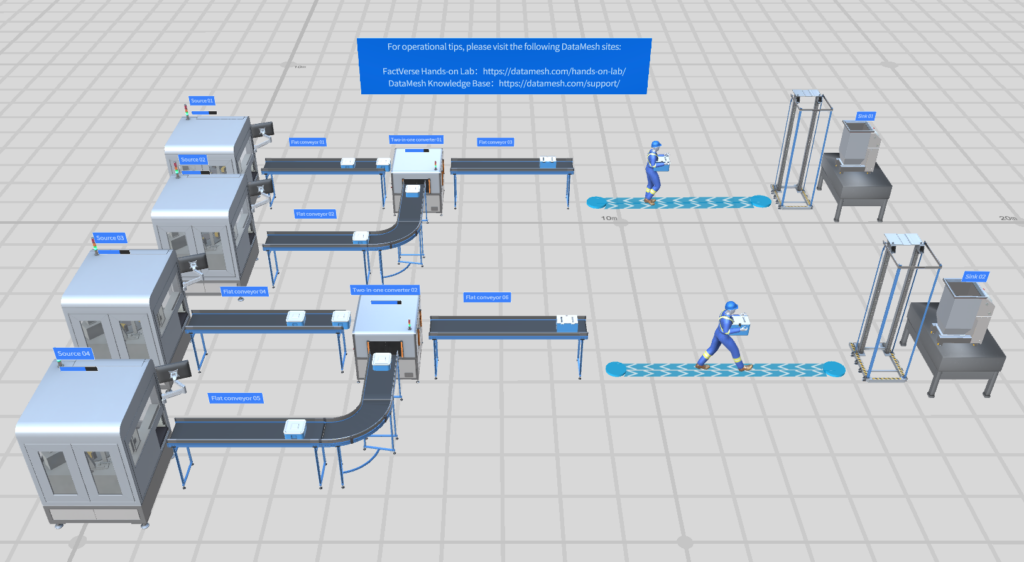
Les équipes valident la valeur opérationnelle par un pilote ciblé : meilleure visibilité, exécution plus cohérente, dossiers plus propres, passages de relais plus rapides et preuves plus claires pour la décision. L'impact dépend du périmètre du site, de la maturité des données, des processus et du déploiement.
FactVerse Designer permet de créer, éditer et simuler des environnements 3D de jumeau numérique avec création visuelle, logique comportementale, liaison de données et timeline.
Director sert aux SOP 3D XR et contenus de formation. Designer construit des scènes opérationnelles de jumeau numérique avec logique data-driven, arbres de comportement et environnements de site pour monitoring, simulation et AI Agent.
FactVerse Designer est disponible sur Windows et macOS. Les scènes créées peuvent être consultées dans Inspector, DataMesh One et des dashboards Web.
Oui. Avec Data Fusion Services, les scènes peuvent se lier aux capteurs, signaux IoT et APIs métier pour la supervision live et la simulation data-driven.
Découvrez comment ce produit soutient des cas d’usage réels.