FactVerse Designer Background
제품

FactVerse Designer

Digital Twin Scene Authoring and Simulation

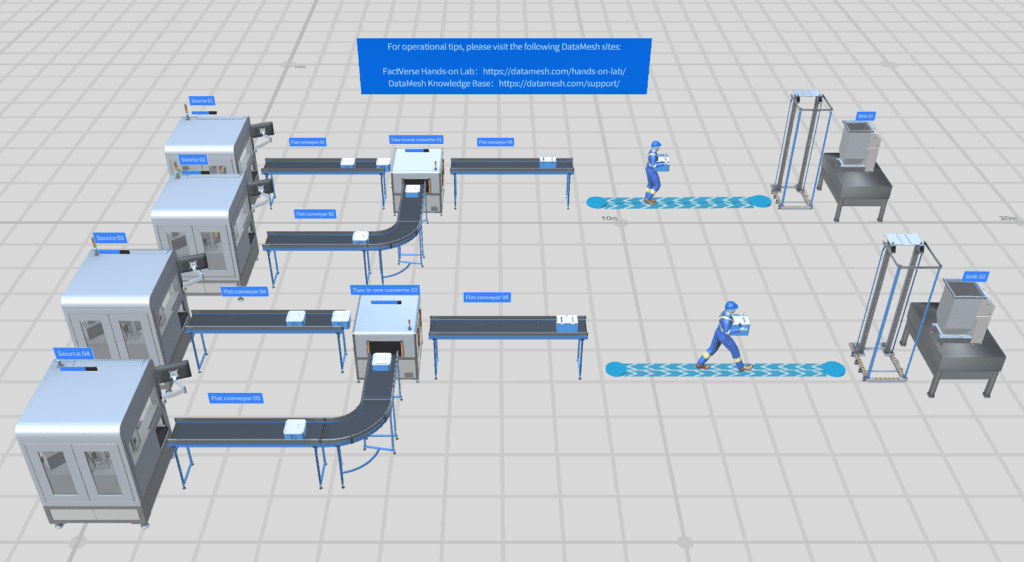
FactVerse Designer is an out-of-the-box digital twin scene design tool for industries such as manufacturing, logistics, and transportation. Through drag-and-drop operations, it standardizes and transforms enterprise 3D data into operational digital twin environments with behavior-tree-driven logic and real-time data integration.

Key Capabilities

Visual Scene Authoring

Import BIM, CAD, and 3D models then drag and drop them into operational digital twin scenes. No coding required — build floor plans, equipment layouts, and facility environments visually.

Behavior Tree Editor

Define complex operational logic using a visual behavior tree editor. Chain conditions, actions, and sequences to model equipment states, production workflows, and maintenance routines.

Data-Driven Scene Execution

Connect scenes to live data sources via DFS integration. Bind sensor values, production metrics, and IoT signals directly to 3D objects for real-time visualization and simulation.

Timeline Simulation

Run end-to-end simulations along a timeline to observe logic flow from start to finish. Fine-tune behavior and transitions based on real-time feedback before deploying to production.

Rich Effects Library

Access a comprehensive library of visual effects, animations, lighting, and camera tools. Create polished, realistic scenes for training, demonstrations, and operational monitoring.

Cross-Platform Authoring

Author scenes on Windows or macOS. Published scenes can be consumed across Inspector, DataMesh One, and web dashboards, enabling organization-wide digital twin adoption.

활용 사례

산업 전반의 실제 적용 사례와 검증된 시나리오입니다.

Facility Digital Twin Design

Facility Digital Twin Design

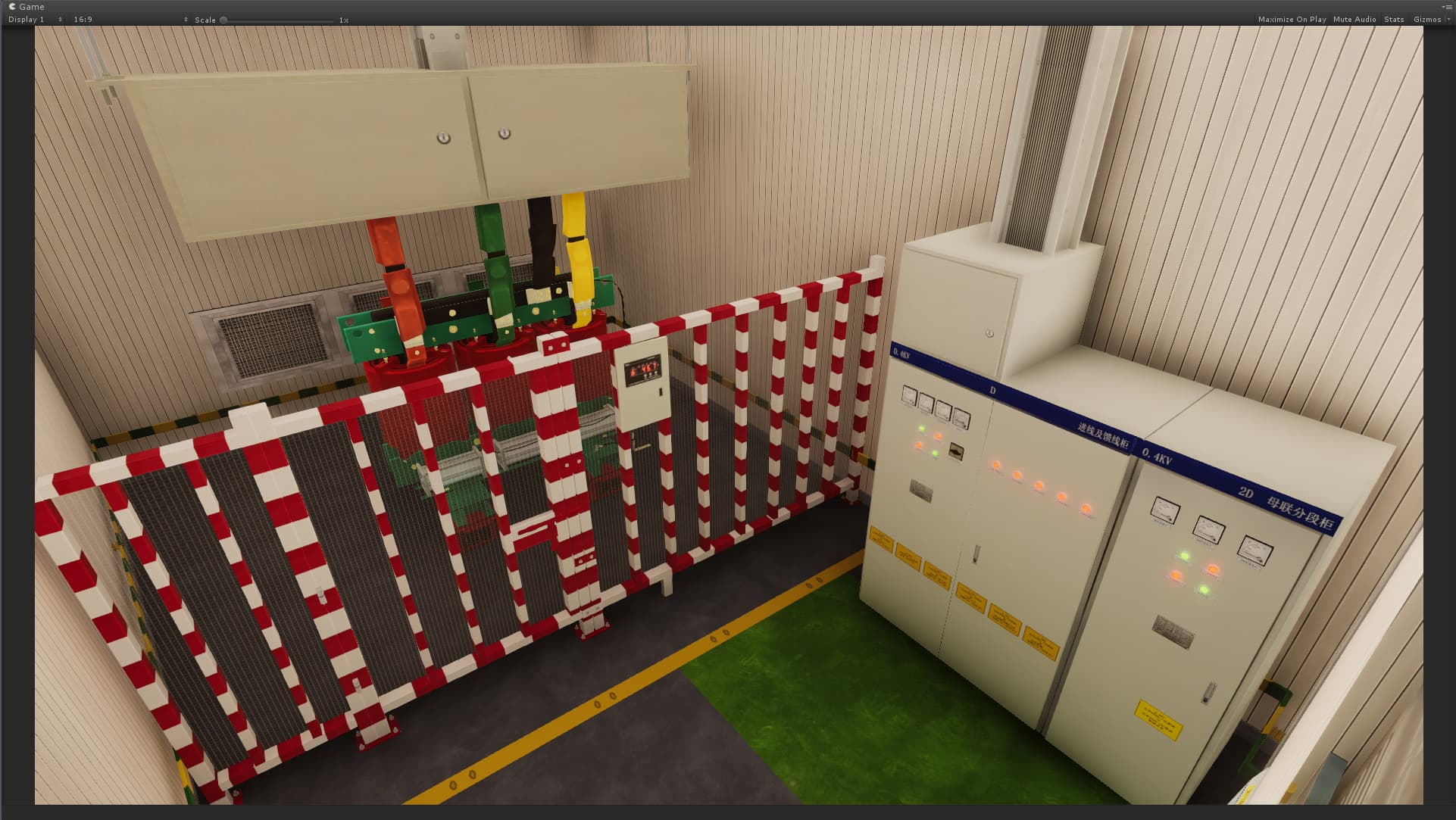
Model entire buildings, factories, or campuses as navigable 3D digital twins. Define asset relationships, spatial layouts, and system hierarchies that serve as the foundation for monitoring, maintenance, and operations.

Training Scenario Creation

Training Scenario Creation

Build step-by-step training scenarios with behavior trees that guide learners through equipment operation, safety procedures, and maintenance tasks in an immersive 3D environment.

Process Simulation & Optimization

Process Simulation & Optimization

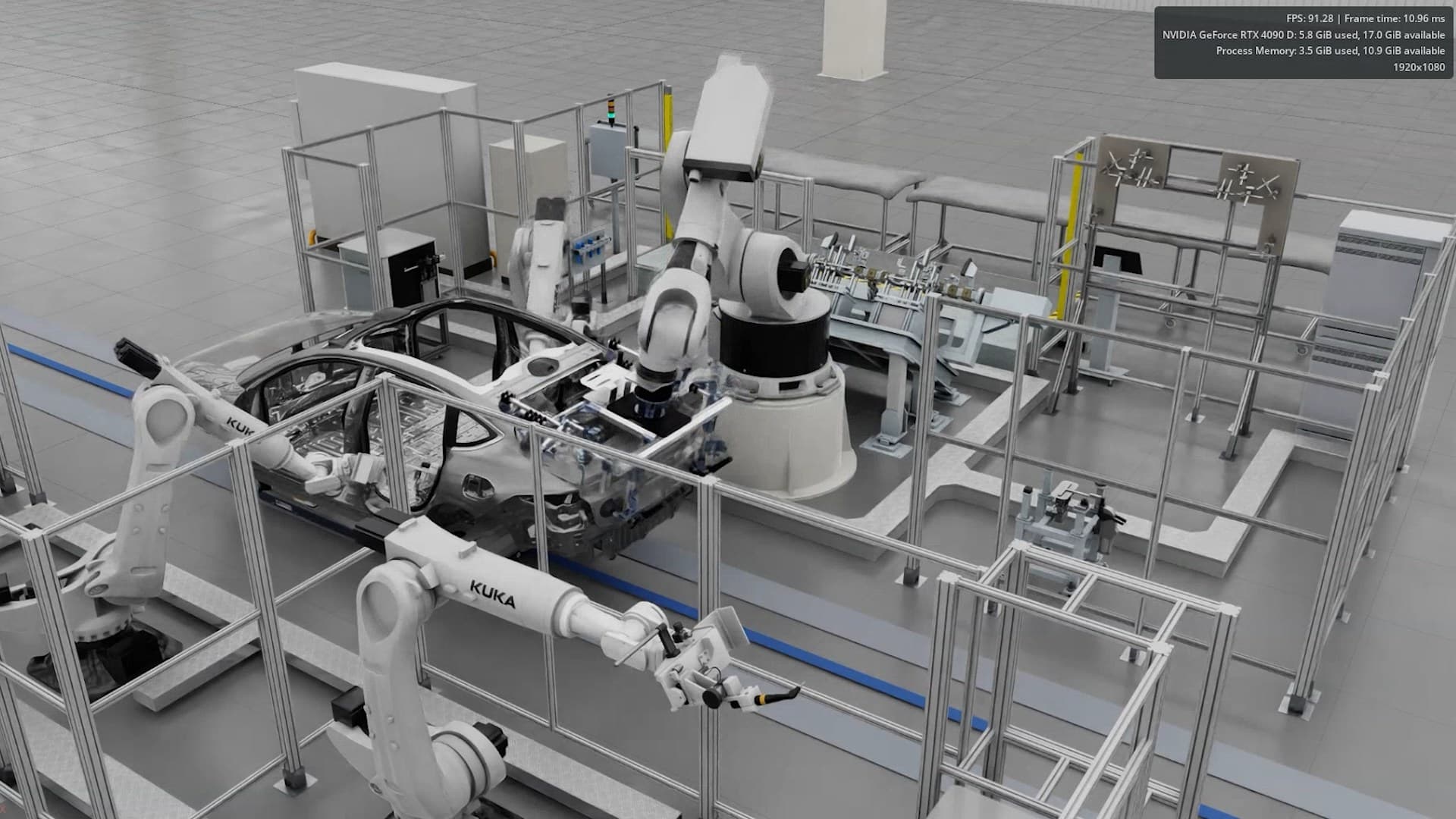
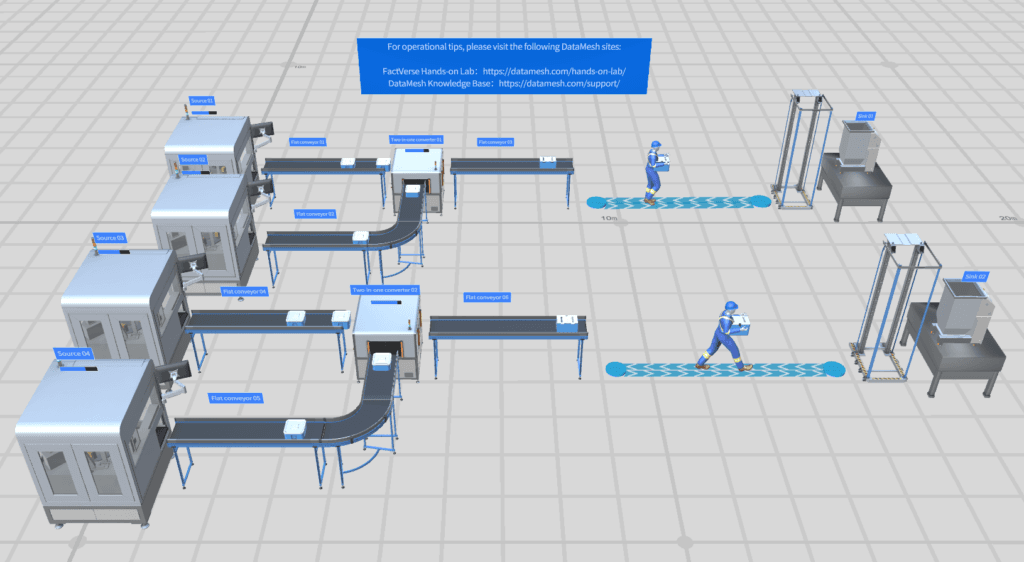
Create digital twin simulations of production lines, logistics flows, or facility operations. Test layout changes, workflow modifications, and scheduling scenarios before implementing in the real world.

개요

FactVerse Designer는 산업 환경을 위한 즉시 사용 가능한 디지털 트윈 씬 설계 도구입니다. 직관적인 드래그 앤 드롭으로 기업 3D 데이터를 운영 디지털 트윈 씬으로 변환합니다.
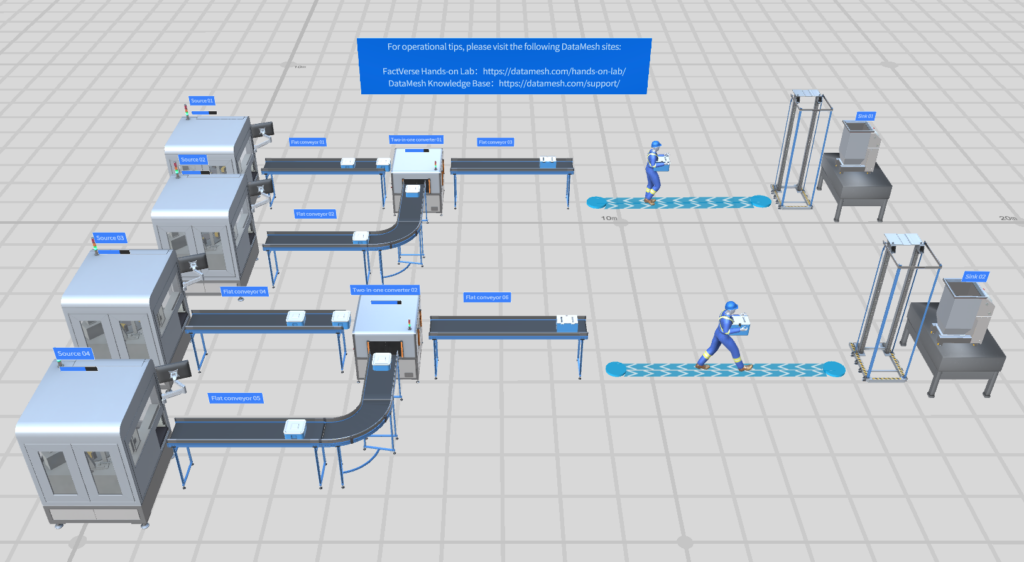
FactVerse Designer

핵심 워크플로우

1. 가져오기 및 모델링

BIM (IFC, Revit), CAD (STEP, FBX, OBJ), 포인트 클라우드 데이터를 가져옵니다.

2. 행동 로직 작성

비주얼 행동 트리 에디터로 장비 상태 및 운영 시퀀스를 정의합니다 — 코드 불필요.

3. 데이터 바인딩

DFS를 통해 씬을 실시간 데이터 스트림에 연결합니다.

4. 시뮬레이션 및 테스트

타임라인 기반 시뮬레이션으로 로직을 검증하고 최적화합니다.

5. 퍼블리시 및 배포

FactVerse 에코시스템에 씬을 발행합니다.

일반적인 성과

지표효과출처
씬 제작 시간↓ 60% (Unity/Unreal 커스텀 대비)노코드 vs. 엔진 프로그래밍
시설 모니터링 구축몇 달 대신 며칠사전 구축된 행동 트리 템플릿
팀 간 협업참여자 3배 증가비주얼 트윈 vs. 스프레드시트
시나리오 테스트 속도시나리오당 수 분수 주간의 실제 파일럿 대비
디지털 트윈 도입률↑ 80%+ (비기술 팀)비주얼 제작으로 코딩 장벽 제거

자주 묻는 질문

What is FactVerse Designer?

FactVerse Designer is a digital twin scene design tool for creating, editing, and simulating 3D digital twin environments. It provides visual scene authoring, behavior tree logic, data binding, and timeline simulation — all without coding.

How is Designer different from Director?

Director (DataMesh Studio + DataMesh One) focuses on creating 3D XR step-by-step SOPs and training content. Designer focuses on building operational digital twin scenes with data-driven logic, behavior trees, and facility-scale environments that power monitoring, simulation, and AI Agent workflows.

What platforms does Designer support?

FactVerse Designer is available on Windows (Microsoft Store) and macOS (App Store). Scenes created in Designer can be viewed across multiple platforms including Inspector, DataMesh One, and web dashboards.

Can Designer connect to live data?

Yes. Through DFS (Data Fusion Services), Designer scenes can bind to real-time sensor data, IoT signals, and business system APIs. This enables live monitoring dashboards and data-driven simulation.

시작할 준비가 되셨나요 FactVerse Designer?