Digital-Twin-Design für Anlagen
Gebäude, Fabriken oder Campus als begehbare 3D-Zwillinge modellieren und Asset-Beziehungen, Raumlayouts und Systemhierarchien definieren.
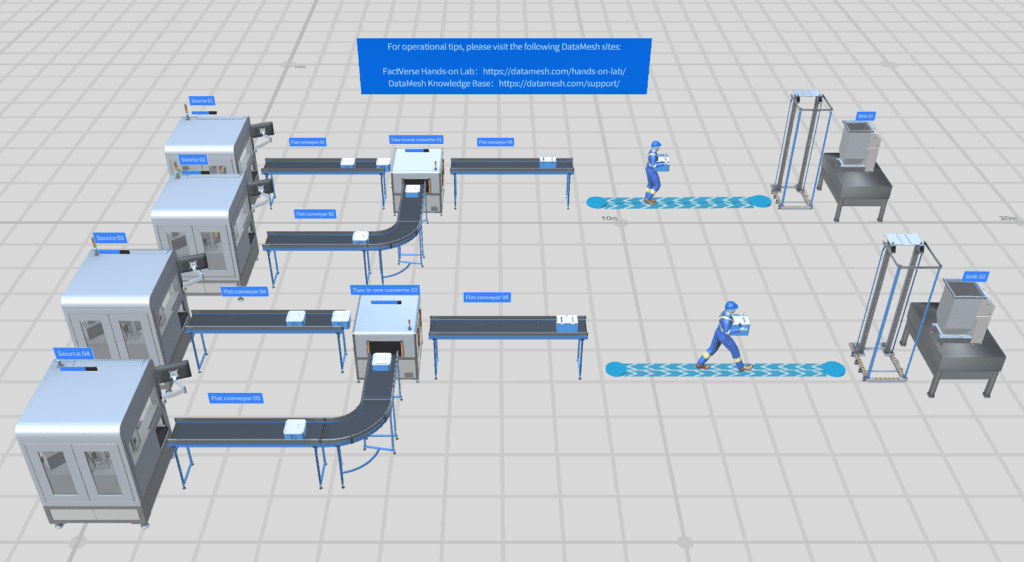
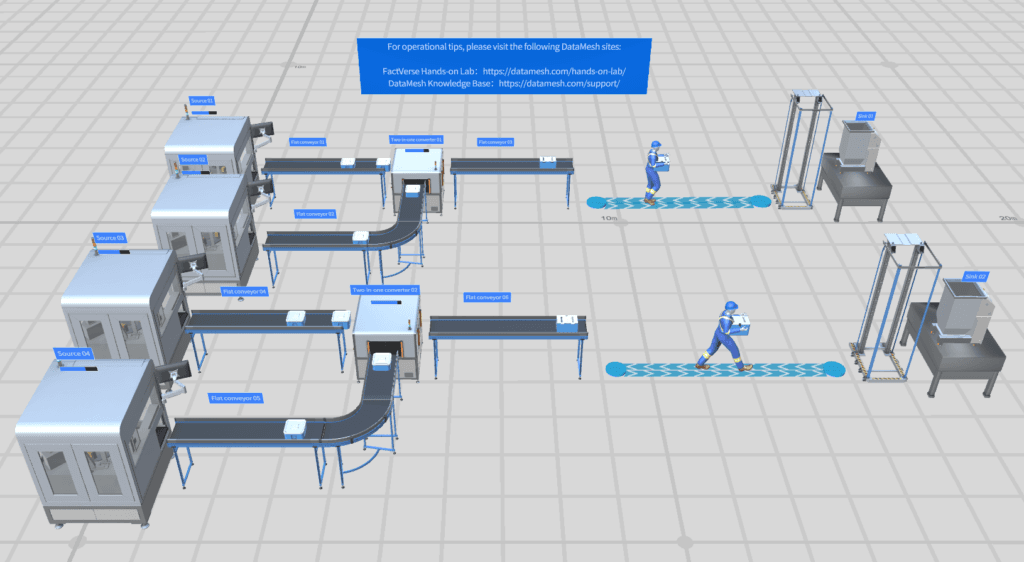
Digital-Twin-Szenen erstellen und simulieren
FactVerse Designer ist ein sofort einsetzbares Tool für Digital-Twin-Szenen in Fertigung, Logistik und Verkehr. Per Drag-and-drop werden 3D-Unternehmensdaten in operative Twin-Umgebungen mit Verhaltenslogik und Echtzeitdaten überführt.
Diese Fähigkeiten bilden die Grundlage für den dargestellten operativen Nutzen.
BIM-, CAD- und 3D-Modelle importieren und visuell in operative Digital-Twin-Szenen platzieren. Grundrisse, Anlagenlayouts und Facility-Umgebungen entstehen ohne Code.
Komplexe Betriebslogik mit einem visuellen Behavior-Tree-Editor definieren: Zustände, Aktionen, Sequenzen, Produktionsworkflows und Wartungsroutinen.
Szenen über Data Fusion Services mit Live-Daten verbinden und Sensorwerte, Produktionsmetriken sowie IoT-Signale direkt an 3D-Objekte binden.
End-to-End-Simulationen entlang einer Timeline ausführen, Verhalten testen und Übergänge vor dem Produktiveinsatz optimieren.
Visuelle Effekte, Animationen, Beleuchtung und Kamerawerkzeuge nutzen, um realistische Szenen für Training, Demos und Monitoring zu erstellen.
Szenen unter Windows oder macOS erstellen und in Inspector, DataMesh One sowie Web-Dashboards nutzen.
Praktische Anwendungen und bewährte Szenarien aus verschiedenen Branchen.
Gebäude, Fabriken oder Campus als begehbare 3D-Zwillinge modellieren und Asset-Beziehungen, Raumlayouts und Systemhierarchien definieren.
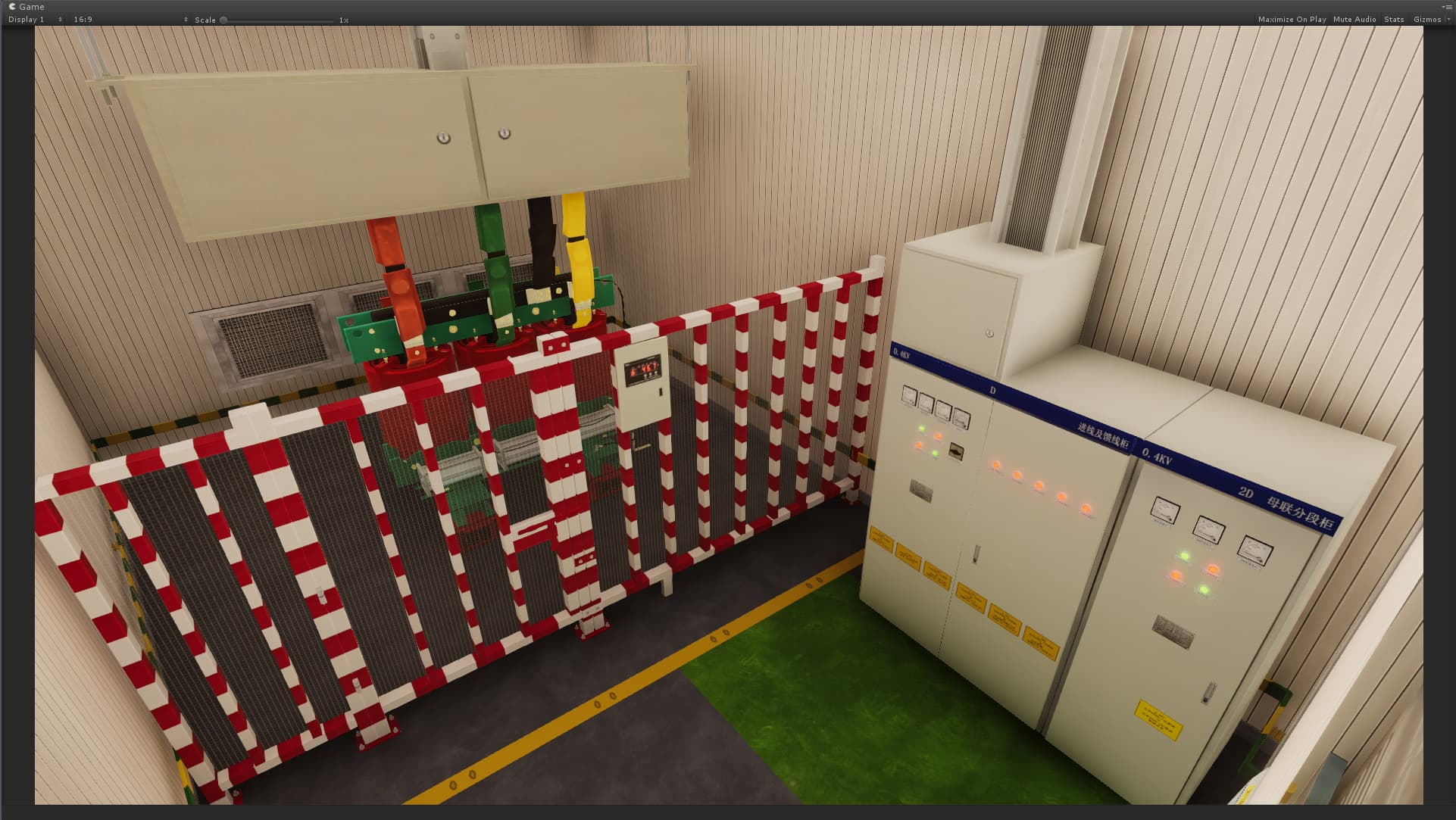
Schrittweise Trainingsszenarien mit Verhaltensbäumen erstellen, die Lernende durch Betrieb, Sicherheit und Wartung führen.
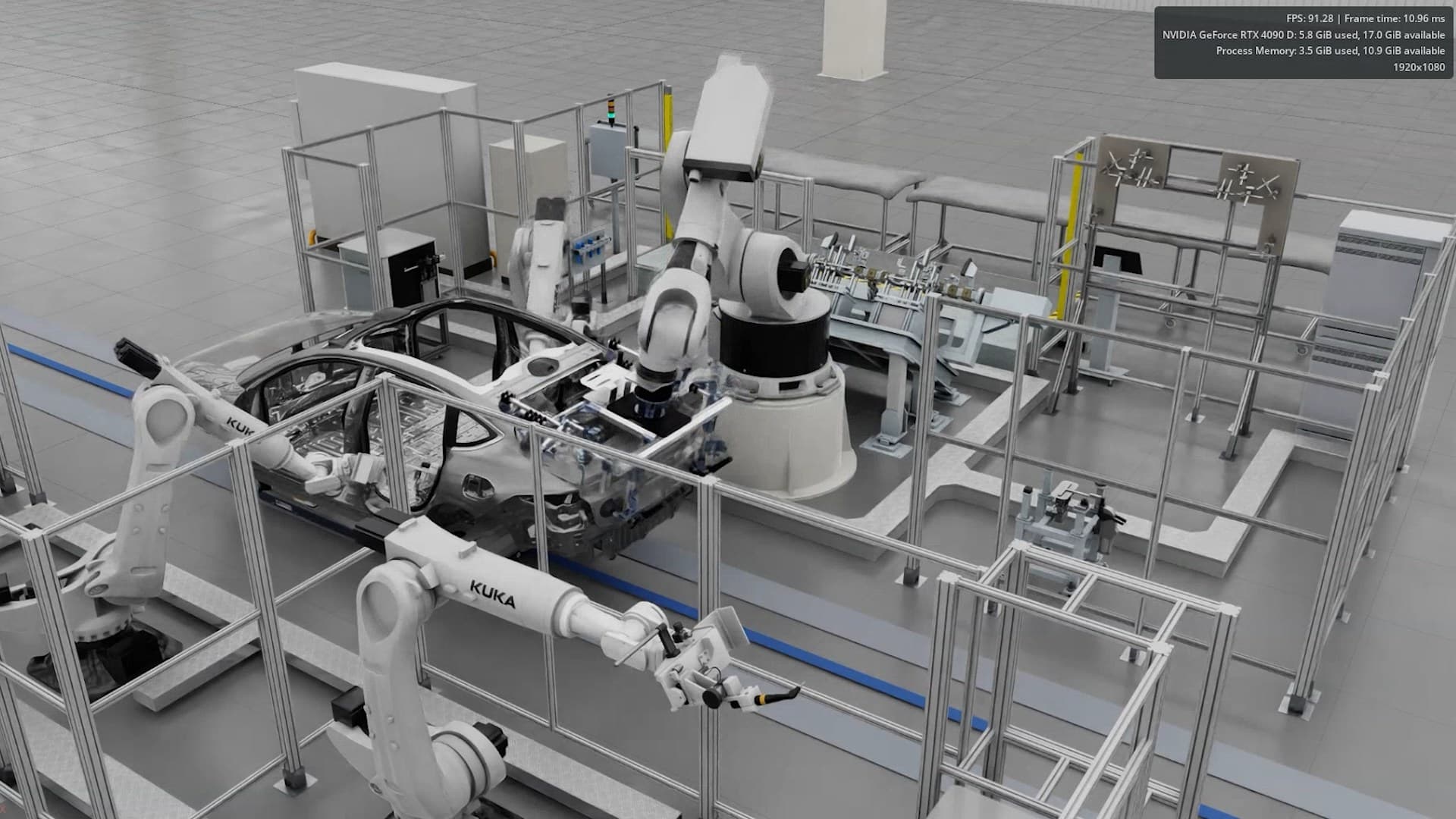
Produktionslinien, Logistikflüsse und Facility-Prozesse simulieren, um Layouts, Workflows und Zeitpläne vor der Umsetzung zu testen.
FactVerse Designer ist ein sofort einsetzbares Digitalzwilling-Szenendesign-Tool für industrielle Umgebungen. Durch intuitives Drag-and-Drop werden 3D-Unternehmensdaten standardisiert und in betriebliche Digitalzwilling-Szenen umgewandelt.
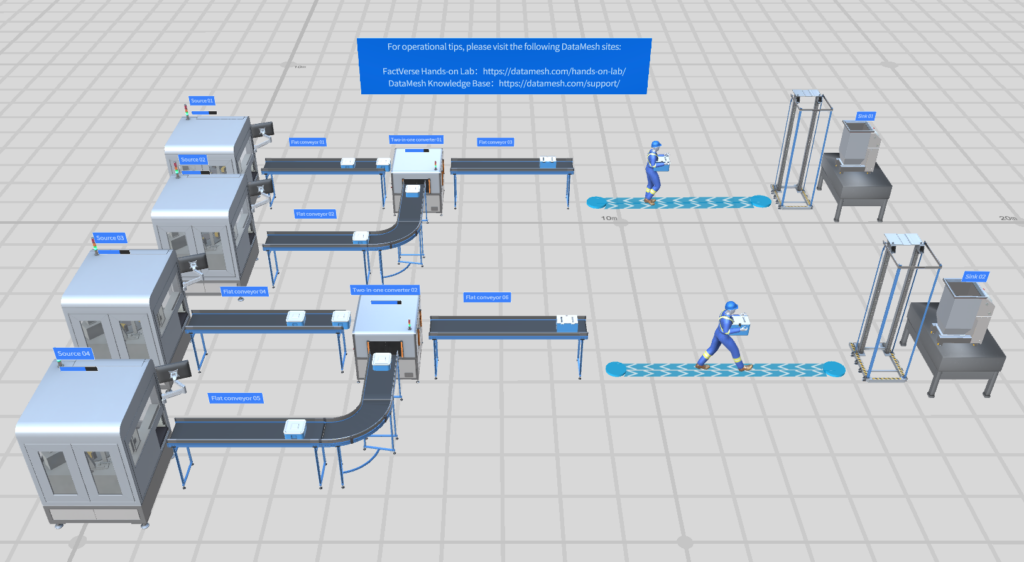
BIM (IFC, Revit), CAD (STEP, FBX, OBJ) und Punktwolkendaten importieren. Anlagen in Szenen organisieren.
Visueller Verhaltensbaum-Editor für Gerätezustände, Betriebssequenzen und bedingte Logik — ohne Code.
Szenen über Data Fusion Services mit Echtzeit-Datenströmen verbinden. Sensorwerte, Produktionsmetriken und IoT-Signale auf 3D-Objekte abbilden.
Zeitlinienbasierte Simulationen ausführen, um Logik zu validieren und Szenarien zu optimieren.
Szenen im FactVerse-Ökosystem veröffentlichen — Inspector für Wartung, DataMesh One für AR/MR, Web-Dashboards für Monitoring.
Teams validieren den operativen Nutzen in einem fokussierten Pilot: bessere Sichtbarkeit, konsistentere Ausführung, sauberere Nachweise, schnellere Übergaben und klarere Entscheidungsgrundlagen. Die konkrete Wirkung hängt von Standortumfang, Datenreife, Prozessreife und Rollout-Tiefe ab.
FactVerse Designer ist ein Tool zum Erstellen, Bearbeiten und Simulieren von 3D-Digital-Twin-Umgebungen mit visuellem Authoring, Verhaltenslogik, Datenbindung und Timeline-Simulation.
Director erstellt 3D-XR-SOPs und Trainingsinhalte. Designer baut operative Digital-Twin-Szenen mit Datenlogik, Verhaltensbäumen und Facility-Umgebungen für Monitoring, Simulation und AI-Agent-Workflows.
FactVerse Designer ist für Windows und macOS verfügbar. Erstellte Szenen können in Inspector, DataMesh One und Web-Dashboards genutzt werden.
Ja. Über Data Fusion Services können Szenen an Sensordaten, IoT-Signale und Business-APIs angebunden werden.
Sehen Sie, wie dieses Produkt reale Anwendungsfälle unterstützt.