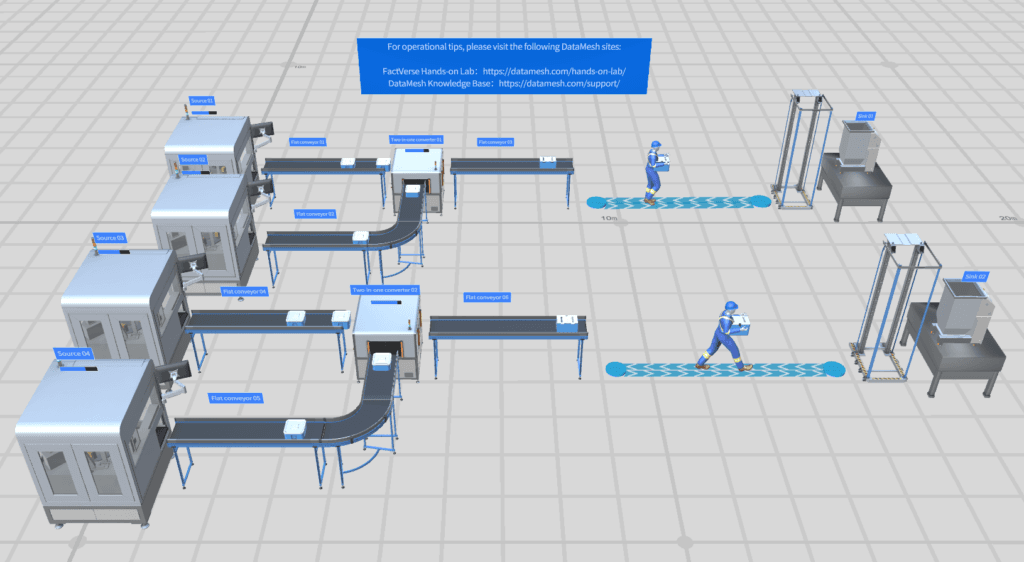
Operational digital-twin creation
Build navigable facilities, factories, campuses, and infrastructure with asset relationships, spaces, systems, documents, and data context.
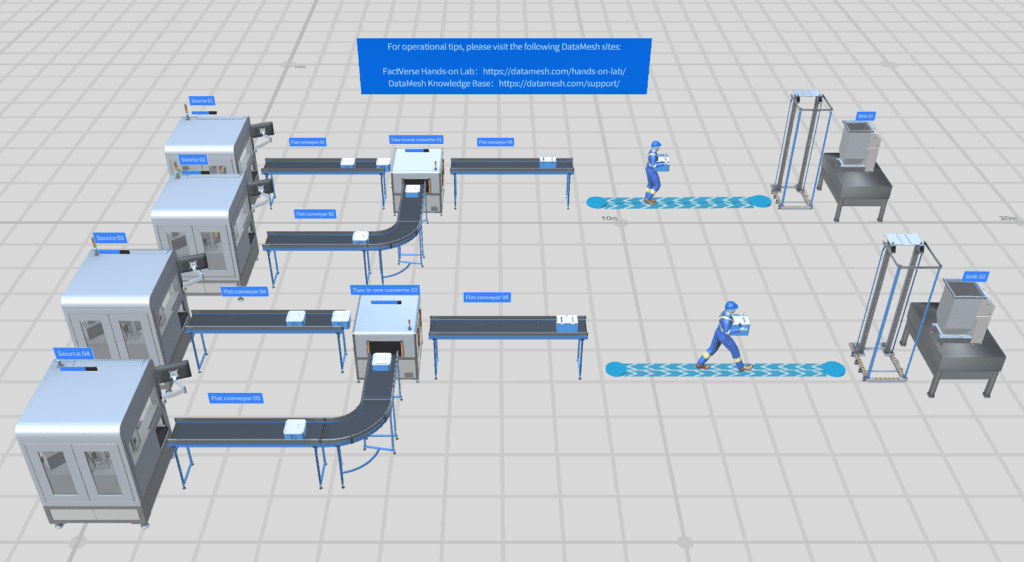
Create the industrial context every downstream workflow can reuse
Build reusable operational digital-twin scenes, layouts, behavior, timeline scenarios, and SimReady assets for planning, operations, simulation, and Physical AI workflows.
Connect data, workflows, and field execution so teams can understand context, act faster, and keep work traceable.
Organize BIM, CAD, point-cloud, and 3D assets into facility, production, logistics, and infrastructure scenes through a visual workflow.
Use behavior trees to define equipment states, operating sequences, conditions, actions, handoffs, and recovery paths.
Bind selected sensor values, production signals, and enterprise data to assets through Data Fusion Services.
Compare layouts, routes, timing, resources, process states, and operating variants before a change reaches the physical environment.
Prepare stable coordinates, asset identity, semantics, behavior, and simulation assumptions for OpenUSD, Omniverse, and Physical AI projects.
Publish approved scenes for Inspector, DataMesh One, web experiences, simulation projects, and other FactVerse workflows.
Practical applications and proven success scenarios across industries.
Build navigable facilities, factories, campuses, and infrastructure with asset relationships, spaces, systems, documents, and data context.
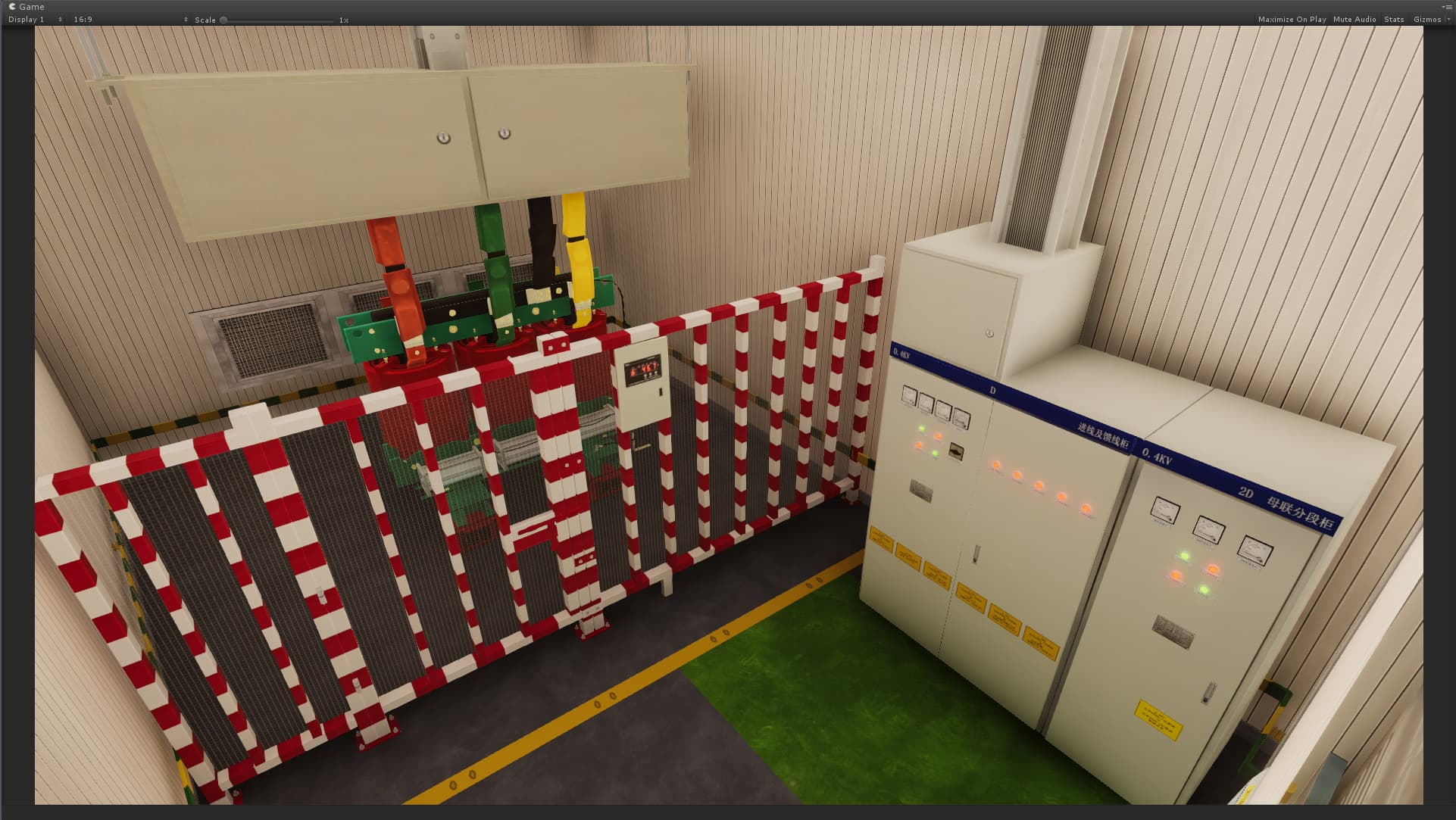
Model equipment states, work sequences, operating procedures, exceptions, and recovery logic for review, preparation, and training.
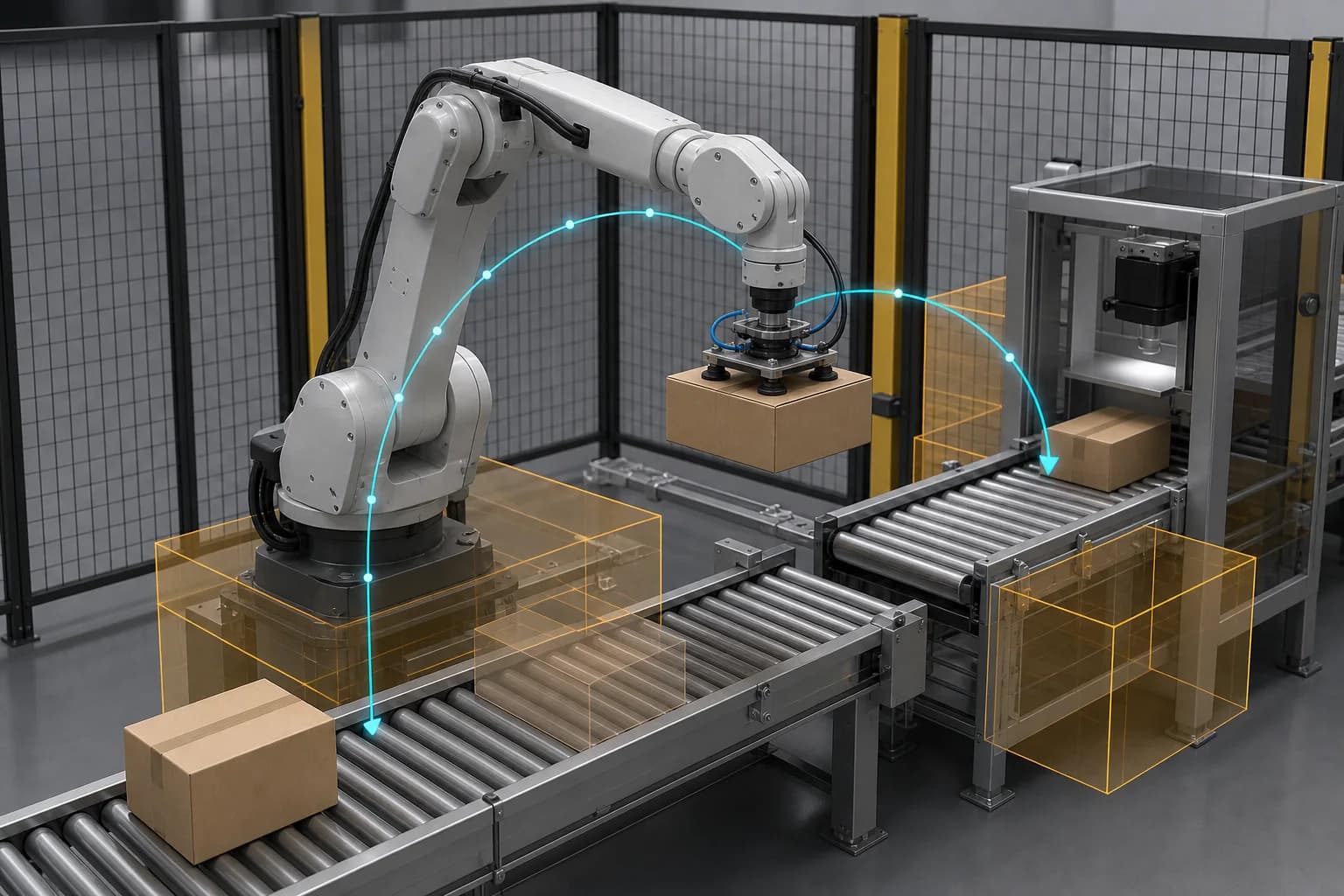
Compare layouts and process variants, then prepare selected scenes and assets for project-enabled physics or robotics workflows.
Industrial planning often starts with source models spread across BIM, CAD, point clouds, equipment libraries, spreadsheets, and operational systems. Each downstream team then rebuilds enough context for its own review, visualization, simulation, or field workflow.
FactVerse Designer turns those inputs into a reusable digital-twin scene. Assets receive stable identity, spatial relationships, behavior, process state, timeline logic, and selected data bindings so engineering and operations can work from the same environment.
Bring facility, line, cell, equipment, and site assets into a consistent coordinate and hierarchy structure. Organize spaces, systems, routes, work areas, and asset relationships for the decision in scope.
Add equipment states, behavior trees, conditions, actions, sequences, handoffs, and exception paths. The scene begins to express how the environment operates as well as how it looks.
Use Data Fusion Services to bind relevant sensor, production, building, maintenance, or enterprise data to assets and scenarios. The project selects the data needed for the operating or planning question.
Review layout, flow, route, timing, resource, process-state, and operating variants. Current Designer workflows support visual planning, timeline scenarios, discrete-event comparison, and process-flow review.
Release approved scenes to Inspector, DataMesh One, web experiences, and project-enabled simulation or Physical AI workflows while retaining asset identity and scenario assumptions.
Designer provides the authoring foundation for Process Simulation and Virtual Planning. It prepares geometry, layout, process logic, scenario variants, stable coordinates, semantics, and SimReady asset context.
Project-enabled workflows can extend selected scenarios into reduced-order airflow, GPU airflow, thermal-fluid, rigid-body, Isaac, PhysX, or Newton-oriented analysis. Each project defines the runtime, model inputs, calibration level, comparison metrics, and engineering review path according to the decision being made.
| Designer | Director | |
|---|---|---|
| Primary outcome | Reusable operational digital-twin environment | Repeatable 3D procedure, training, or guided work content |
| Core authoring | Scene, layout, asset identity, behavior, timeline, and scenario | Steps, interactions, media, assessment, and learner guidance |
| Data context | Can connect selected operating data through Data Fusion Services | Usually self-contained around the procedure or training content |
| Downstream use | Operations, planning, simulation, and Physical AI preparation | Training, SOP delivery, guided work, and frontline enablement |
Designer starts the workflow by creating the governed scene and scenario context. Project-selected simulation runtimes analyze questions that need deeper physics. FactVerse AI Agent can interpret approved operating and simulation evidence, while Inspector carries reviewed actions into asset, inspection, maintenance, work-order, and field-evidence workflows.
A focused evaluation begins with one facility area, production cell, process, or upcoming physical change. DataMesh and the customer define the source assets, operating context, scenarios, comparison criteria, downstream users, and any project-enabled simulation requirements before expanding the model.
Designer creates and governs the spatial and operational context used by downstream digital-twin workflows. It owns scene composition, layout, asset identity, behavior logic, timeline scenarios, and preparation for simulation and Physical AI projects.
Designer builds operational digital-twin environments and scenarios. Director, delivered through DataMesh Studio and DataMesh One, creates step-by-step 3D procedures, training, and guided work content.
Designer prepares the scene, process logic, variants, and SimReady asset context. Current workflows support layout, timeline, discrete-event, and process-flow comparison. Project-enabled solvers and NVIDIA runtimes add airflow, thermal-fluid, rigid-body, or robotics analysis when required.
Yes. Data Fusion Services can connect selected sensor, equipment, production, building, and enterprise data to scene objects and operating scenarios according to the deployment scope.
Continue with the most relevant products, solutions, guides, and public references for this topic.