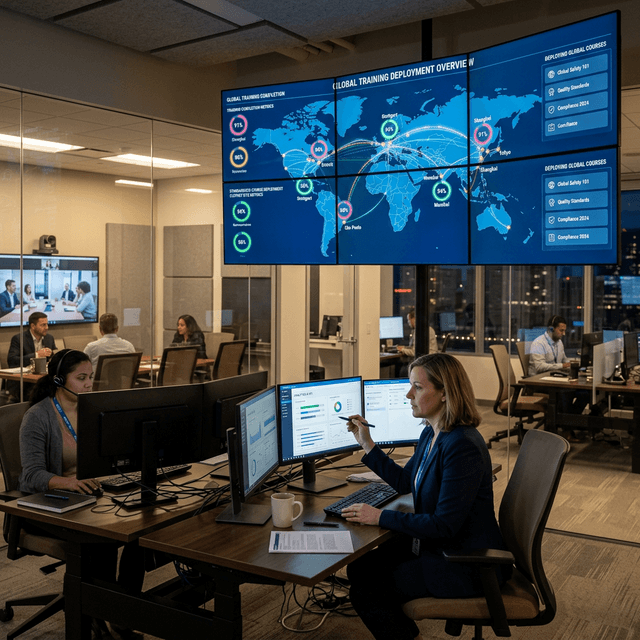
New operator onboarding
Give new employees a repeatable way to learn equipment structure, work sequence, and important decision points before or alongside supervised hands-on practice.
Turn expert know-how into guided work people can repeat
Turn expert procedures and equipment knowledge into reusable 3D guidance and training that teams can review, update, and deliver at the point of work.
Connect data, workflows, and field execution so teams can understand context, act faster, and keep work traceable.
Combine existing equipment models, work steps, annotations, animations, and risk notes so specialists can show each action and its context more clearly than a document alone.
Use interactive 3D views, exploded assemblies, motion, and visual cues to explain equipment relationships and actions that are difficult to see in manuals, slides, or classroom demonstrations.
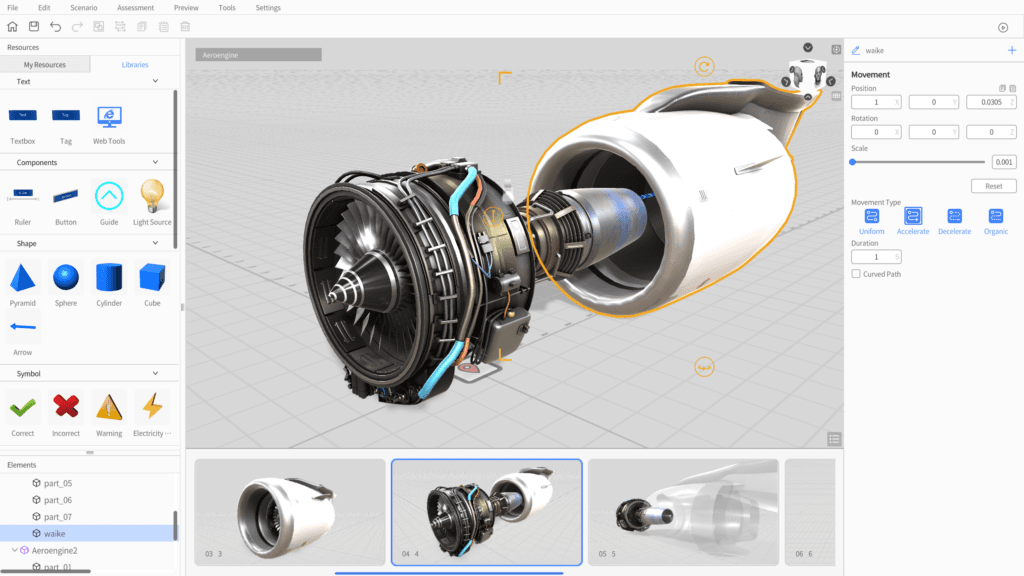
Create step-by-step content in DataMesh Studio with visual editing and interaction controls, allowing process owners and training teams to work directly with their subject-matter experts.
Walk through content with instructors, engineers, and field stakeholders, collect feedback, and revise the procedure before publishing it for wider use.
Publish approved content through FactVerse with access control and version management so teams can reuse the same procedure and update it when equipment or work standards change.
Use DataMesh One to deliver approved content on supported mobile, desktop, and spatial-computing devices according to the work environment and the current Director release.
Practical applications and proven success scenarios across industries.
Give new employees a repeatable way to learn equipment structure, work sequence, and important decision points before or alongside supervised hands-on practice.
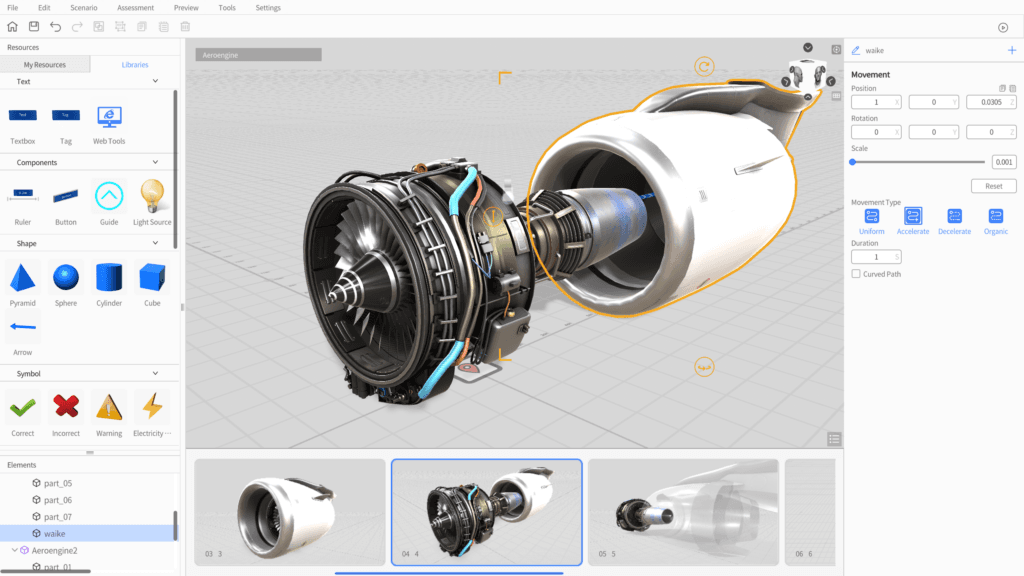
Turn complex disassembly, assembly, cleaning, inspection, and changeover procedures into visual steps that technicians can review near the task.
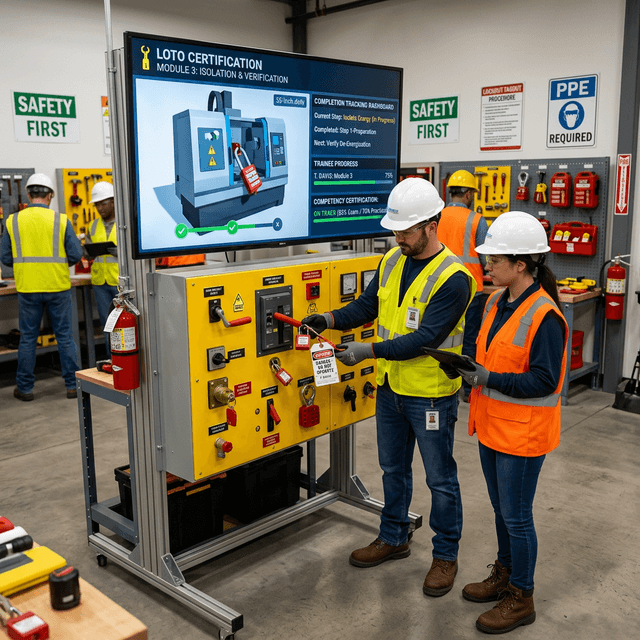
Help teams explain hazards, internal equipment behavior, and response sequences that are difficult, costly, or unsafe to demonstrate during normal operations.
Show part relationships, orientation, sequence, and checkpoints in 3D so teams can align on an approved method before and during field work.
Package specialist knowledge into reusable content that can be reviewed, localized, and updated for teams working across shifts, sites, and roles.
Complex work is often taught through binders, slide decks, videos, and side-by-side instruction. Those methods can leave important spatial detail in the instructor's head: which component matters, what changes between steps, where a hazard sits, and what a technician should check before continuing. When experienced employees move roles or standards change, that knowledge becomes difficult to repeat and maintain.
Director helps process owners and training teams turn that know-how into reusable 3D guidance. Qualified instructors and approved procedures remain in control, with a clearer and more maintainable way to explain and reuse what good work looks like.
Teams use DataMesh Studio to combine an existing equipment or facility model with work steps, annotations, animations, interactions, and review notes. A subject-matter expert can walk through the procedure with the content team, identify the essential details, and validate the sequence before it is published.
DataMesh One then delivers the approved content for training, review, or field guidance on a supported device. When equipment, risk controls, or work standards change, the owner can revise and republish the content instead of rebuilding separate materials for every site and device.
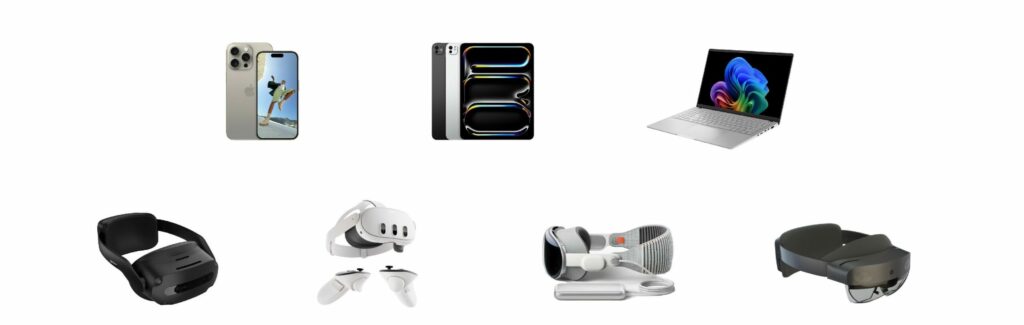
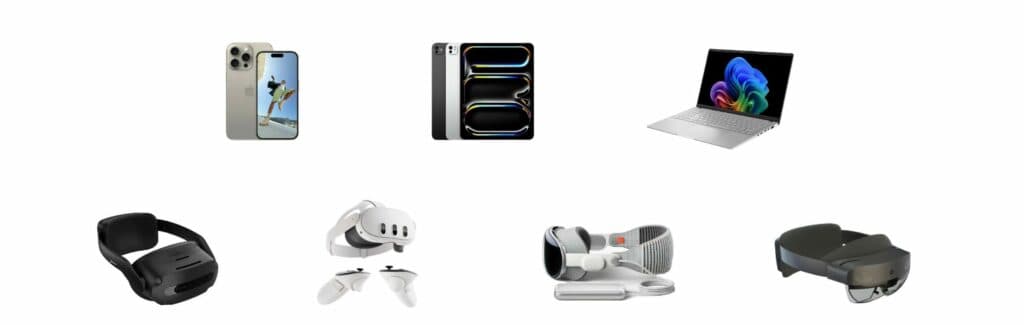
Not every procedure needs a headset. Desktop and mobile delivery can work well for self-study, classroom review, and quick access near equipment. Spatial devices can add value when scale, position, hands-free viewing, or an understanding of hidden internal behavior matters.
Current Director releases support DataMesh Studio on Windows, Apple-silicon macOS, and iPadOS, and DataMesh One on Windows, iOS, ARCore-certified Android devices, Apple Vision Pro, and Meta Quest 3/3S. HoloLens 2 remains a legacy path with Director 6.2.3 as the last supported version. Device choice should be confirmed against the current release, site safety rules, network conditions, and the task itself.
Director is available through SaaS subscription and private deployment options. During evaluation, teams define the deployment scope, identity model, content ownership, localization approach, and device-management requirements.
This boundary lets a customer use Director on its own for guided content or combine it with the broader FactVerse stack without presenting every operational workflow as a Director feature.
These references demonstrate guided 3D training in real operating environments. Results still depend on procedure selection, content quality, instructor involvement, device fit, and rollout practice.
A useful pilot is narrow enough to review but important enough to expose real friction. Choose a procedure with an accountable owner, available source material, an equipment or facility model, and a clear group of learners or field users.
Validate whether people understand the sequence and decision points, whether experts can review and update the content, whether the selected device fits the work environment, and whether ownership and updates remain manageable after the pilot. That evidence provides a practical basis for deciding which roles, sites, and procedures come next.
Director helps organizations turn procedures and expert know-how into reusable 3D guidance and training. It is useful when important work is difficult to explain with documents alone, varies between instructors or sites, or depends heavily on a small number of experienced people.
DataMesh Studio is the Director authoring application used to create and review guided 3D content. DataMesh One delivers approved content for viewing, training, and collaboration on supported devices.
Director owns guided procedures and training content. FactVerse Designer creates operational digital twin scenes and simulation logic. Simulator supports physics-based heavy-equipment operator training with dedicated controls or training stations. Inspector owns inspections, work orders, field records, and evidence.
DataMesh Studio supports Windows, Apple-silicon macOS, and iPadOS. DataMesh One supports Windows, iOS, ARCore-certified Android devices, Apple Vision Pro, and Meta Quest 3/3S in current releases. HoloLens 2 is a legacy path whose last supported Director version is 6.2.3. Confirm the required device and release with DataMesh before rollout.
Start with one procedure that is important, repeatable, and difficult to explain. Use an available equipment model and a named subject-matter expert, then validate authoring effort, learner understanding, review and update workflow, device fit, and field usability before expanding.
Continue with the most relevant products, solutions, guides, and public references for this topic.